 Menu
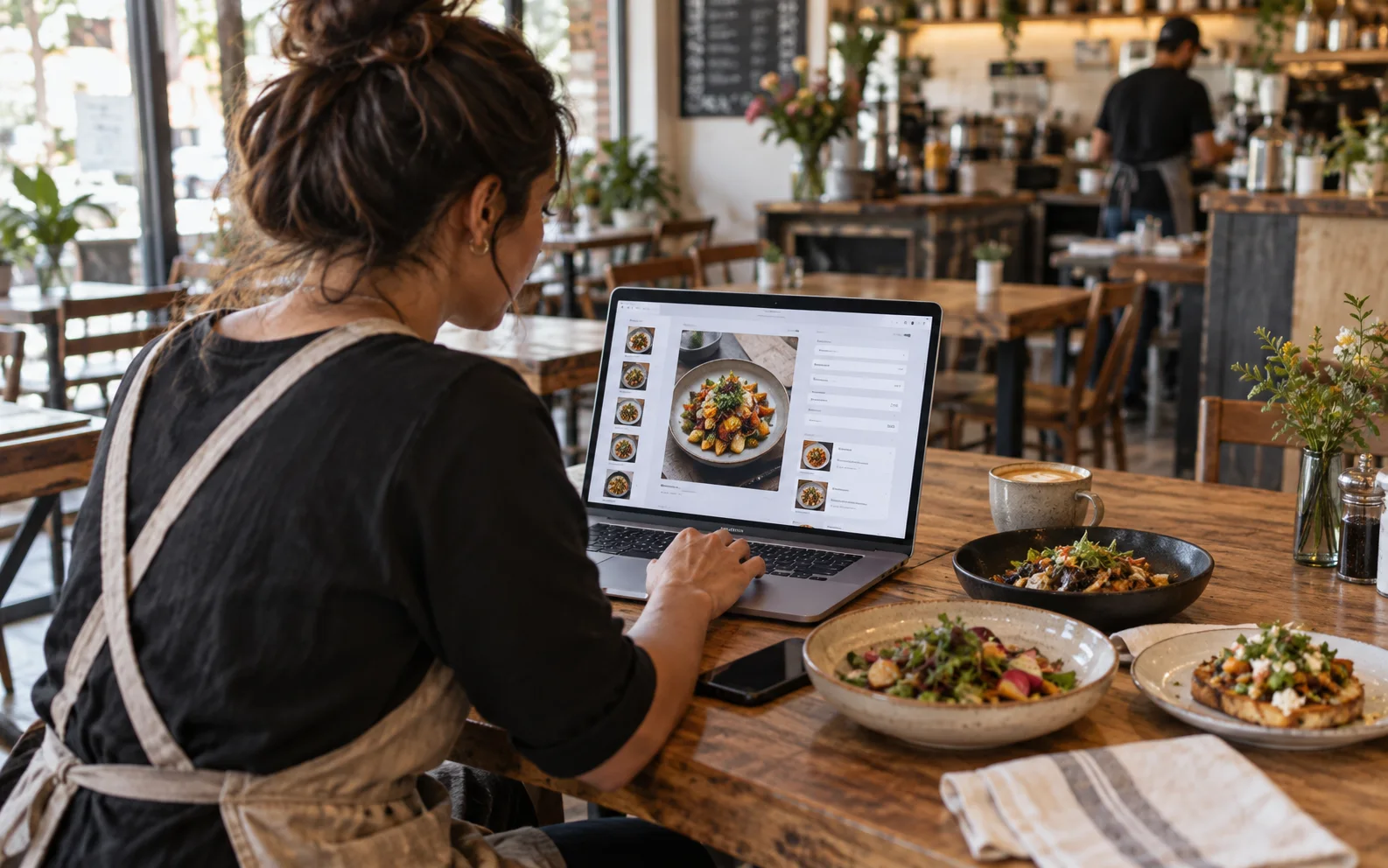
MenuA menu that's easy to change
Add dishes, photos and prices in a simple editor. Every change goes live right away.
Build your menu in minutes, put a QR code on each table, and see every order the moment guests send it. Free to use.


Verdi's Coffee Shop
Monastir
Their menu is on MenuMate


Create your account, build your menu, pick a theme and take a live order from a guest's phone. All in about a minute.
MenuAdd dishes, photos and prices in a simple editor. Every change goes live right away.
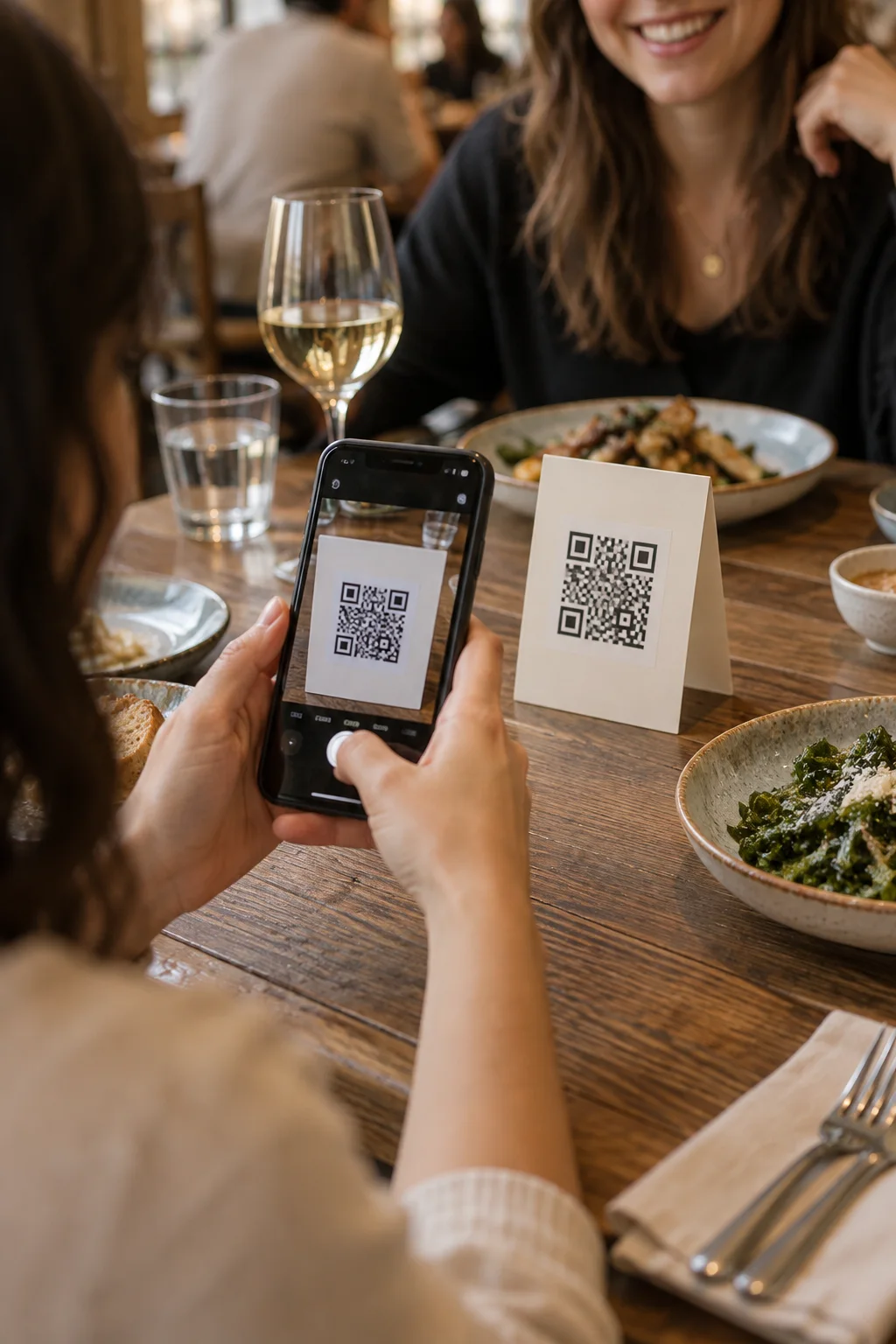 QR codes
Your menu gets its own link and a code for each table. Guests scan and order, no app needed.
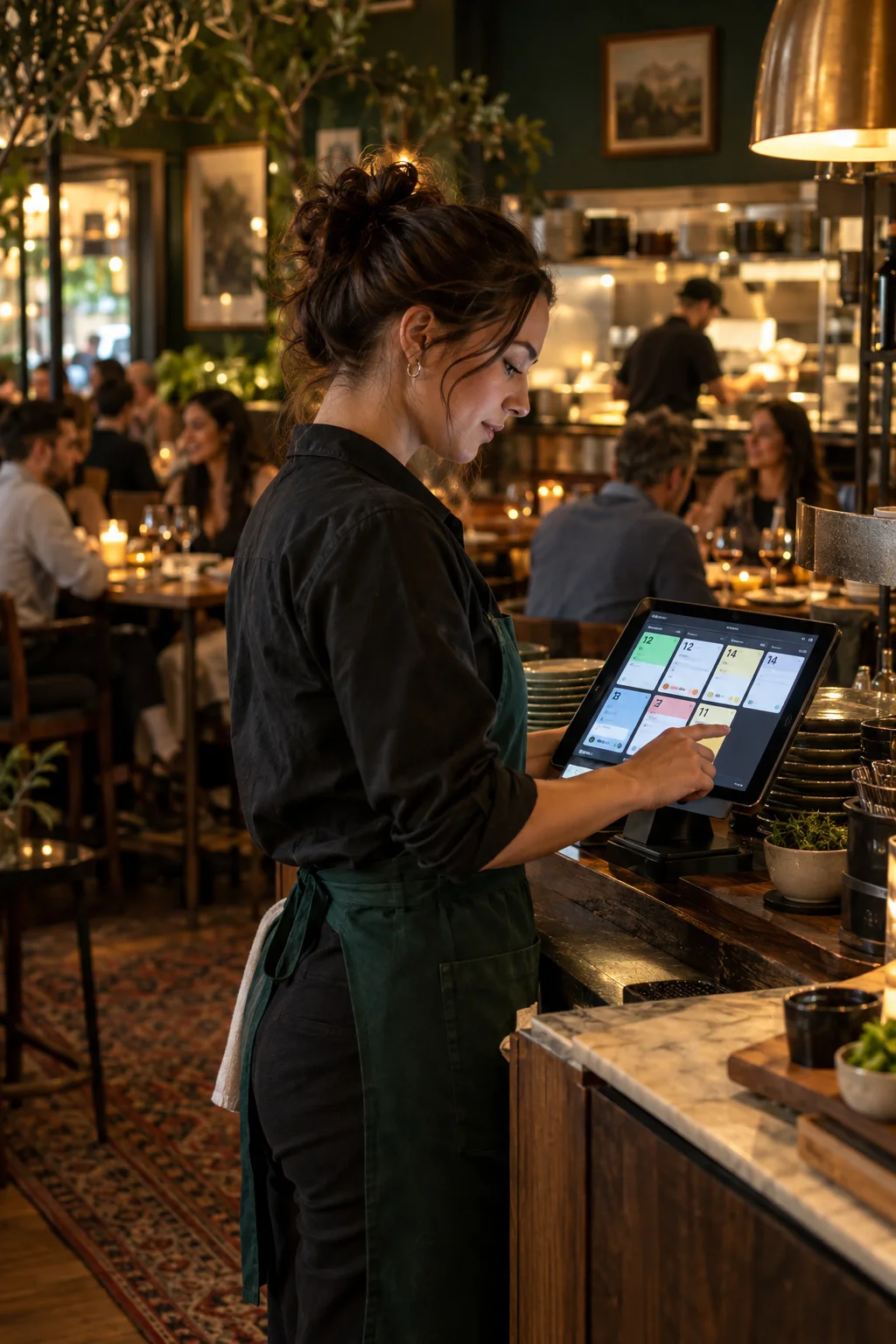 Orders
New orders show up in your dashboard in real time, with the table number. Guests pay you directly, as they already do.
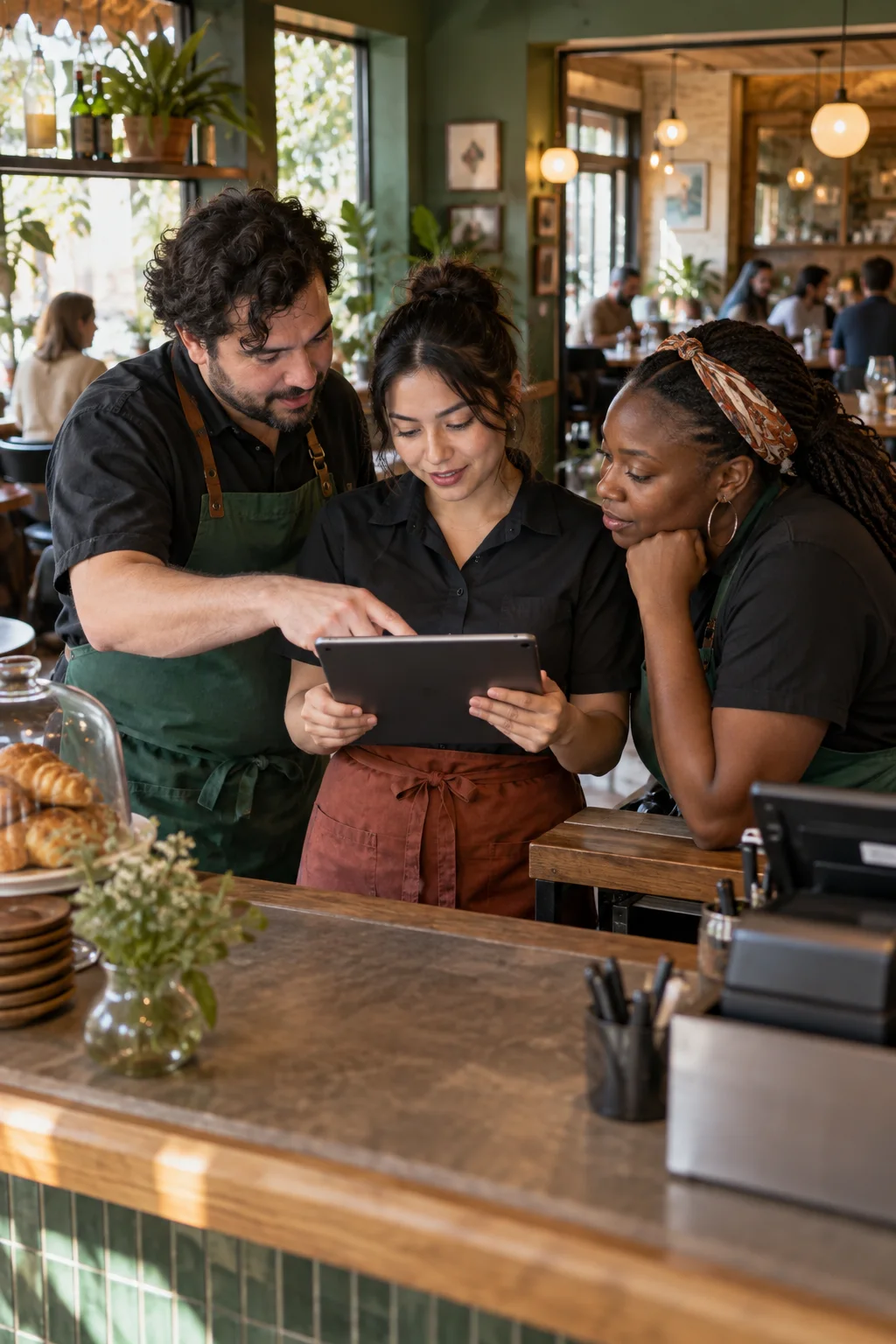 Team
TeamGive servers and cashiers their own access, and run several restaurants or cafés from one account.
Sample menus:Tunisia · DTUnited States · USD
Create your account and add your dishes with photos and prices.
Print your codes and place them on tables, in the window and on receipts.
Orders reach your dashboard the moment guests send them. Follow each one to the table.

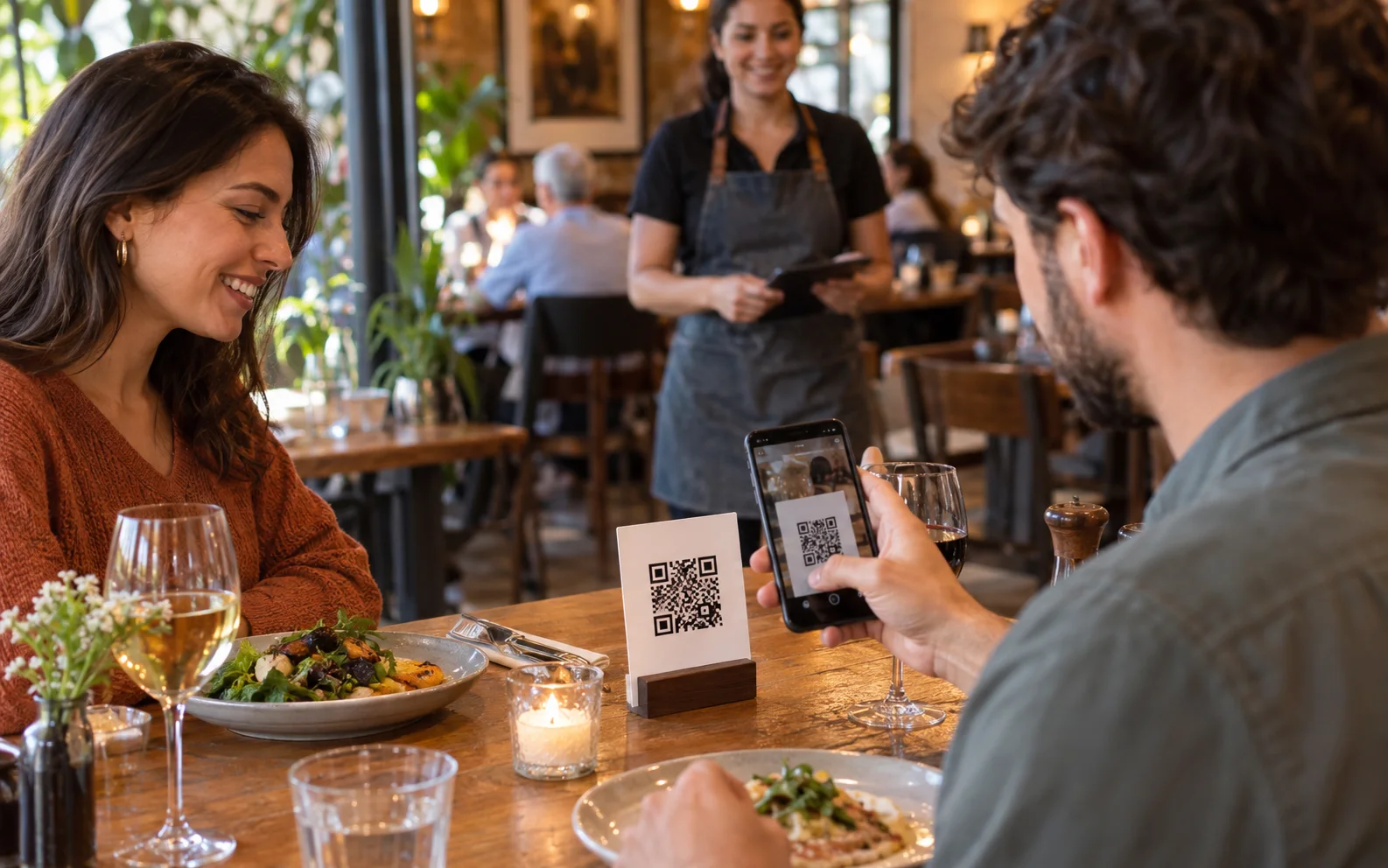
No app to download. Guests scan the code, pick their dishes and order. You see it right away.
A menu should be as easy to change as tonight's special, and as pleasant to read as a printed card. That is the whole idea behind MenuMate.
MenuMate is an online tool for restaurants and cafés to put their menu on a QR code and take orders from every table. Guests scan and order from their phone, with no app, and you see each order in real time with the table number.
Restaurants, cafés, coffee shops, bars, snacks and food trucks that want a digital menu and table ordering. It works for one place or several. MenuMate is not a POS and does not replace one.
About five minutes. Add your dishes in the visual editor, print your QR codes, and take your first order today.
They pay you directly, the way they already do: cash, your card terminal or at the counter. MenuMate does not handle payments, so there are no payment fees. It takes the order and shows it in your dashboard in real time.
No. Guests scan a code or tap a link to see the menu in their browser, and scan the QR code on their table to order. Nothing to install — for you or for them.
Yes. Orders arrive in your dashboard in real time, with the table number. You can also turn ordering off and keep the menu read-only.
Nothing. MenuMate is free to use, and no card is asked. There are no payment fees either: guests pay you directly, and MenuMate does not handle payments.
Yes. Each restaurant or café gets its own menu, QR codes, orders and staff, all under one account.