Create a Free Digital Menu for Your Restaurant or Café
- Written by
- Ala Baganne
- Published on
- Sep 26, 2026
- Read time
- 3 min
- Category
- Guides
Create a free digital menu for your restaurant or café with MenuMate. Add dishes and prices, share your menu link, and let guests scan a QR code.
Want to create a free digital menu for your restaurant or café? MenuMate lets you put your dishes, prices, and photos on a mobile-friendly page that guests can open through a link or QR code. You can update the menu whenever something changes, without printing it again.
MenuMate is free to use. You do not need a card to create an account, and guests do not need to download an app to view your menu.
How to make a free digital menu
1. Create your restaurant or café account
Sign up for MenuMate and add your business. Enter its name and the details you want guests to see. A café, restaurant, food truck, or takeaway can all use the same basic setup.
2. Add categories, dishes, and prices
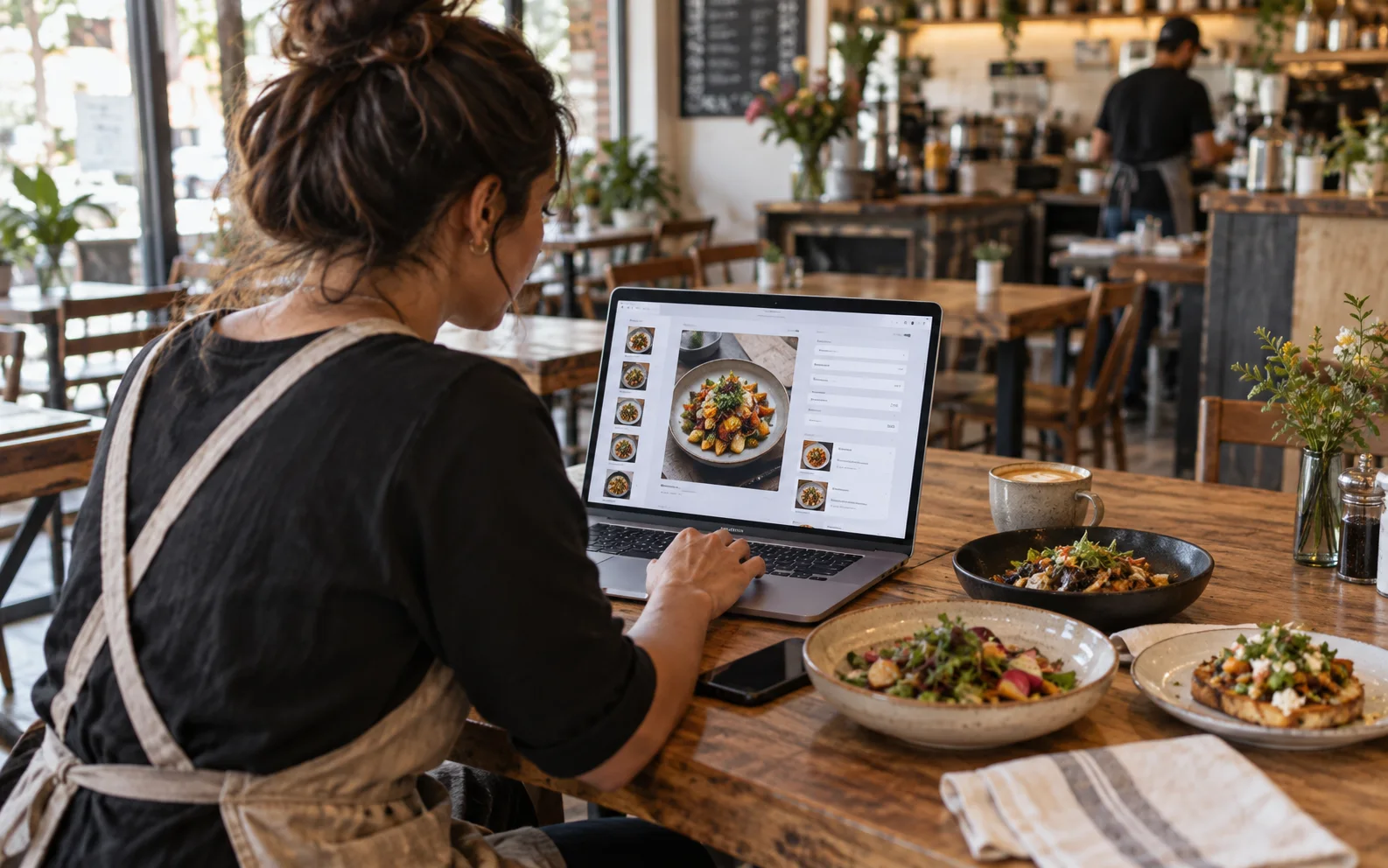
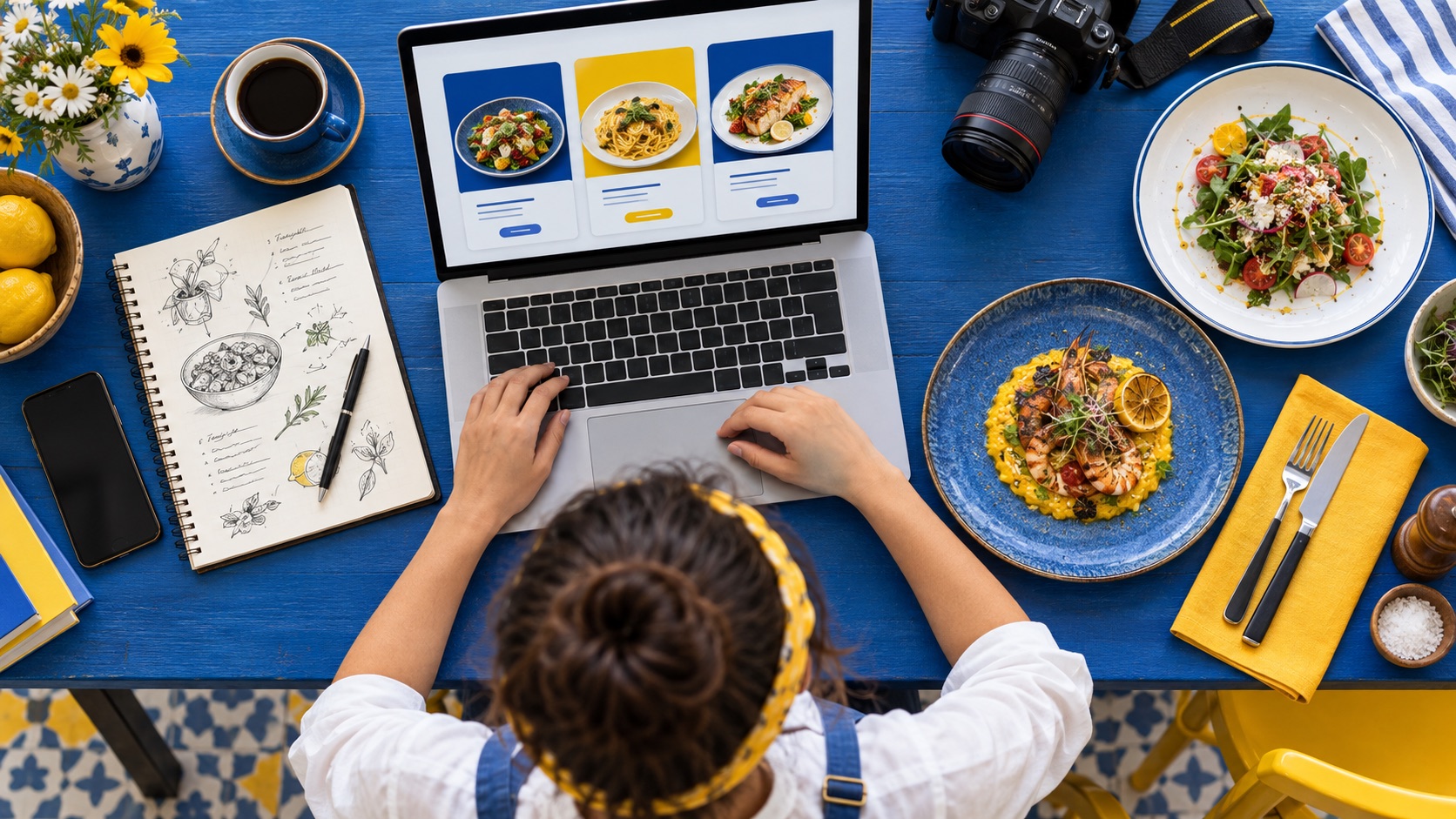
Start with a few clear categories, such as Coffee, Breakfast, Mains, or Desserts. Add each item with its price and a short description. Photos are useful for signature dishes, but you can publish a menu without photographing everything first.
Before sharing, check names and prices on your phone. Guests should be able to find what they want quickly, even on a small screen.
3. Share your menu link and QR code
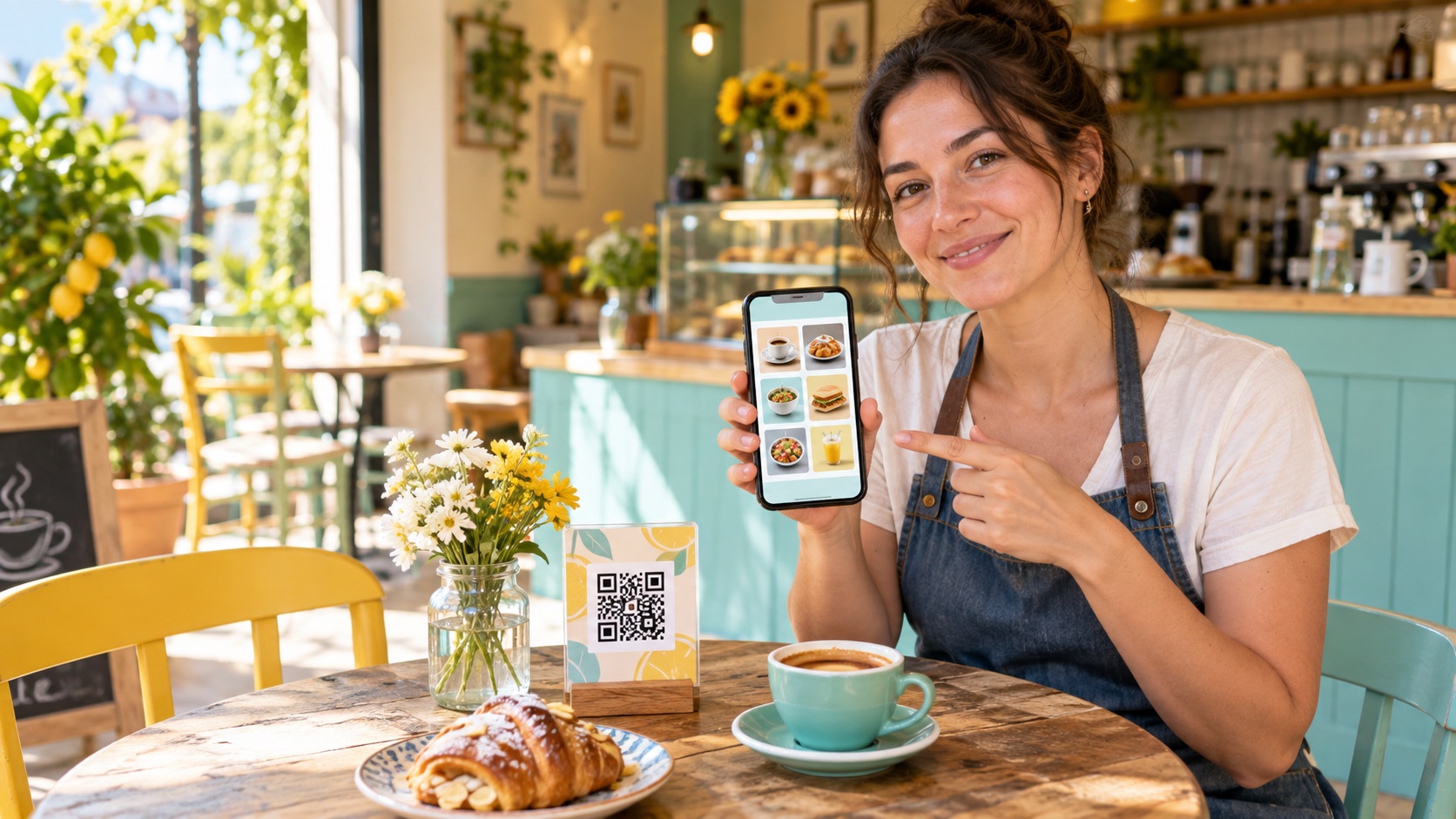
Your online menu has a link you can share on your website, social profiles, or Google Business Profile. For guests at the table, generate and print a QR code. They scan it with their phone camera and open the menu in a browser.
Put the code where it is easy to see and test a printed copy from a guest's seat. Keep a few paper copies if some guests prefer them.
4. Keep the menu current
When a price changes, a dish sells out, or you add a special, update it in MenuMate. The same menu link and QR code lead guests to the current version. You can also download a printable PDF when you need one.
Why use a QR code menu for a café or restaurant?
A digital menu makes routine changes simpler. You can add photos and descriptions, organize drinks and food into categories, and share one link across your tables and online profiles. If you want to take orders from the table, MenuMate also offers table ordering. You can leave ordering off if you only want guests to browse the menu.
For a detailed walkthrough of adding items and preparing your QR code, read how to create an online menu with MenuMate. If you are replacing printed menus, see the costs of paper menus.
Frequently asked questions
Is MenuMate really free?
Yes. You can create and use your digital menu for free, with no card required to sign up.
Do customers need an app to see the menu?
No. Guests can open your menu in their phone's browser through a link or by scanning its QR code.
Can I create a menu for a coffee shop?
Yes. Organize coffee, tea, pastries, and other items into categories, then add prices and descriptions just as you would for a restaurant menu.
Can I change my menu after printing the QR code?
Yes. Update dishes and prices in your dashboard. Guests scanning the existing code will see the updated menu.
Start your free digital menu
You can begin with your business name and a few items, then improve the menu as you go. Create your free MenuMate account and give guests a menu they can open from their phone.