Free QR code menu and table ordering
MenuMate gives your restaurant or café a menu behind a QR code, for free. Guests scan the code at their table, browse your dishes and send their order from their phone, with no app to install. You see each order the moment it arrives, with the table number.
Sample menus:Tunisia · DTUnited States · USD
Everything is in the free account
Menu editor
Add categories, dishes, prices, photos and short descriptions. Changes go live right away.
One QR code per table
Print a code for each table, so every order arrives with its table number.
Orders in real time
New orders show up on your dashboard at once. Move them from accepted to preparing, ready and completed.
No app for guests
The menu opens in the phone's browser. Guests scan, choose and order.
No payment fees
Guests pay you directly, the way they already do: cash, card terminal or at the counter. MenuMate does not handle payments and takes no commission.
Menu-only mode
Turn ordering off and use MenuMate as a QR code menu only.
Staff logins
Invite servers and cashiers with their own accounts so they can follow orders.
Several venues
Run the menus, QR codes and orders of more than one place from one account.
Printable PDF menu
Download your menu as a PDF when you also want it on paper.
How guests order from the table
- 1
Scan
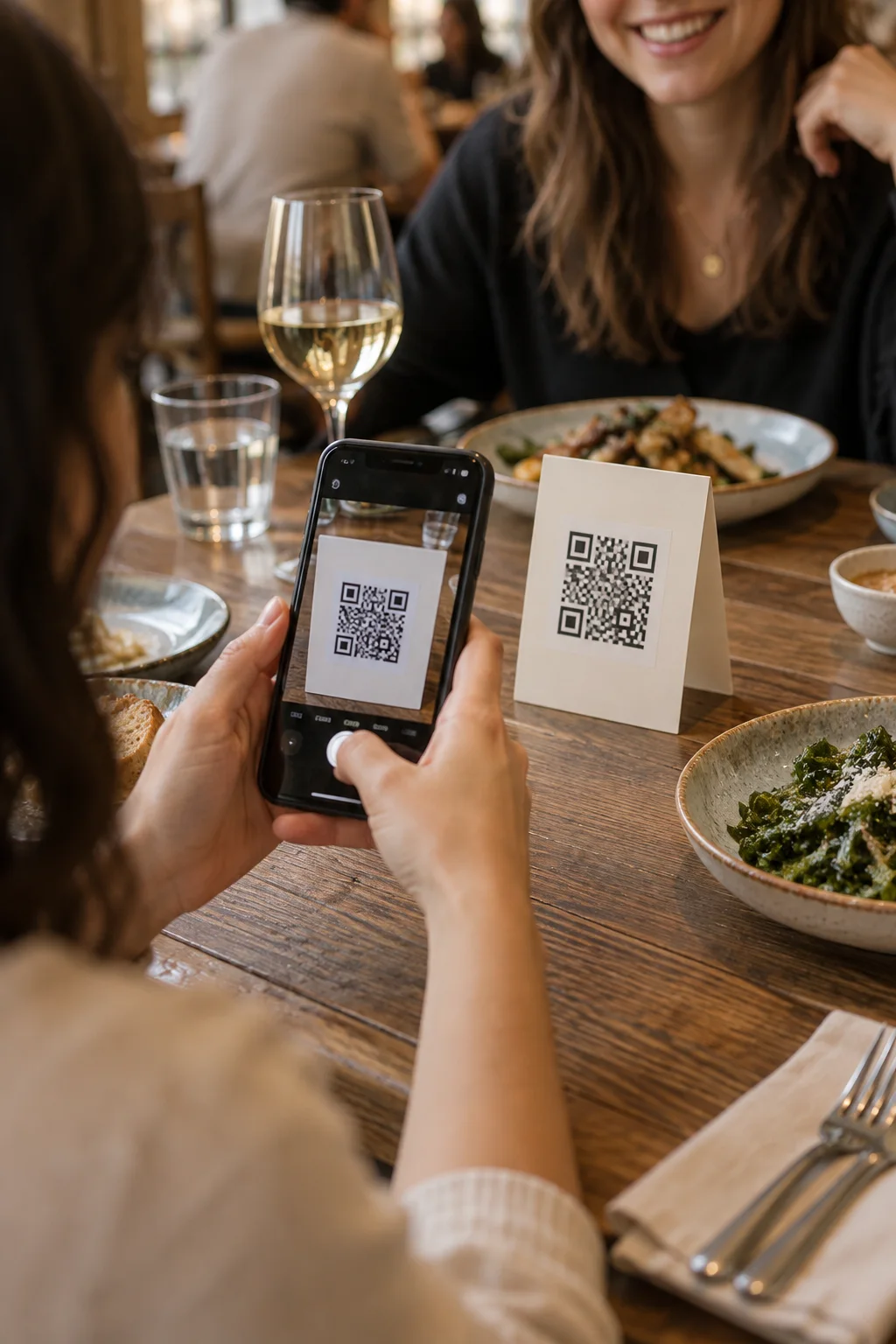
The guest points their phone camera at the QR code on the table.
- 2
Browse
Your menu opens in the browser, with photos, prices and descriptions.
- 3
Order
They add dishes to the cart and send the order. The table number comes from the QR code.
- 4
Serve
Your team sees the order on the dashboard, prepares it and marks it ready. The guest pays you directly, as usual.
Made for restaurants and cafés
MenuMate works for any place that serves at tables or at a counter, in any country. Prices show in your own currency. The menu buttons and cart work in English and French, and your dishes show as you write them.
- Restaurants
- Cafés and coffee shops
- Bars
- Snack bars and fast food
- Food trucks
- Groups with several venues
A free QR menu, ordering included
Many QR menu tools charge a monthly fee. With MenuMate, the free account includes the menu, the QR codes and ordering from the table. Guests pay you directly and MenuMate does not handle payments, so there are no payment fees and no commission.
Compare QR code menu appsIs MenuMate really free?
Yes. You can create your menu, print your QR codes and take orders from your tables without paying. No card is needed to sign up, and there is no commission on orders.
Do guests need to download an app?
No. The menu opens in the phone's browser as soon as guests scan the QR code.
How do guests pay?
Directly to you, the way they pay today: cash, card terminal or at the counter. MenuMate takes the order and tracks it. It does not handle payments, so there are no payment fees.
Can I use MenuMate as a menu only, without ordering?
Yes. Turn ordering off and guests can still browse your full menu with prices and photos.
Does MenuMate work in my country?
Yes. MenuMate works in any country. Your menu shows prices in your own currency. The menu buttons and cart work in English and French, and your dishes show exactly as you write them.
How long does it take to set up?
About five minutes for a first menu: add your dishes, print your QR codes, and you are ready to take your first order.
