The Benefits of MenuMate: A Digital Menu and Table Ordering for Your Restaurant
- Written by
- Ala Baganne
- Published on
- Aug 15, 2025
- Read time
- 4 min
- Category
- Product Features
What MenuMate does for restaurants and cafés: a QR code digital menu, orders from the table in real time, no payment fees, staff access and several venues in one account.
MenuMate helps restaurants and cafés put their menu online behind a QR code and take orders from every table. Guests scan, pick their dishes and order from their phone. You see each order the moment it's sent. Here is what that means for your business, in plain terms.
What You Get With MenuMate
1. A Quick Setup
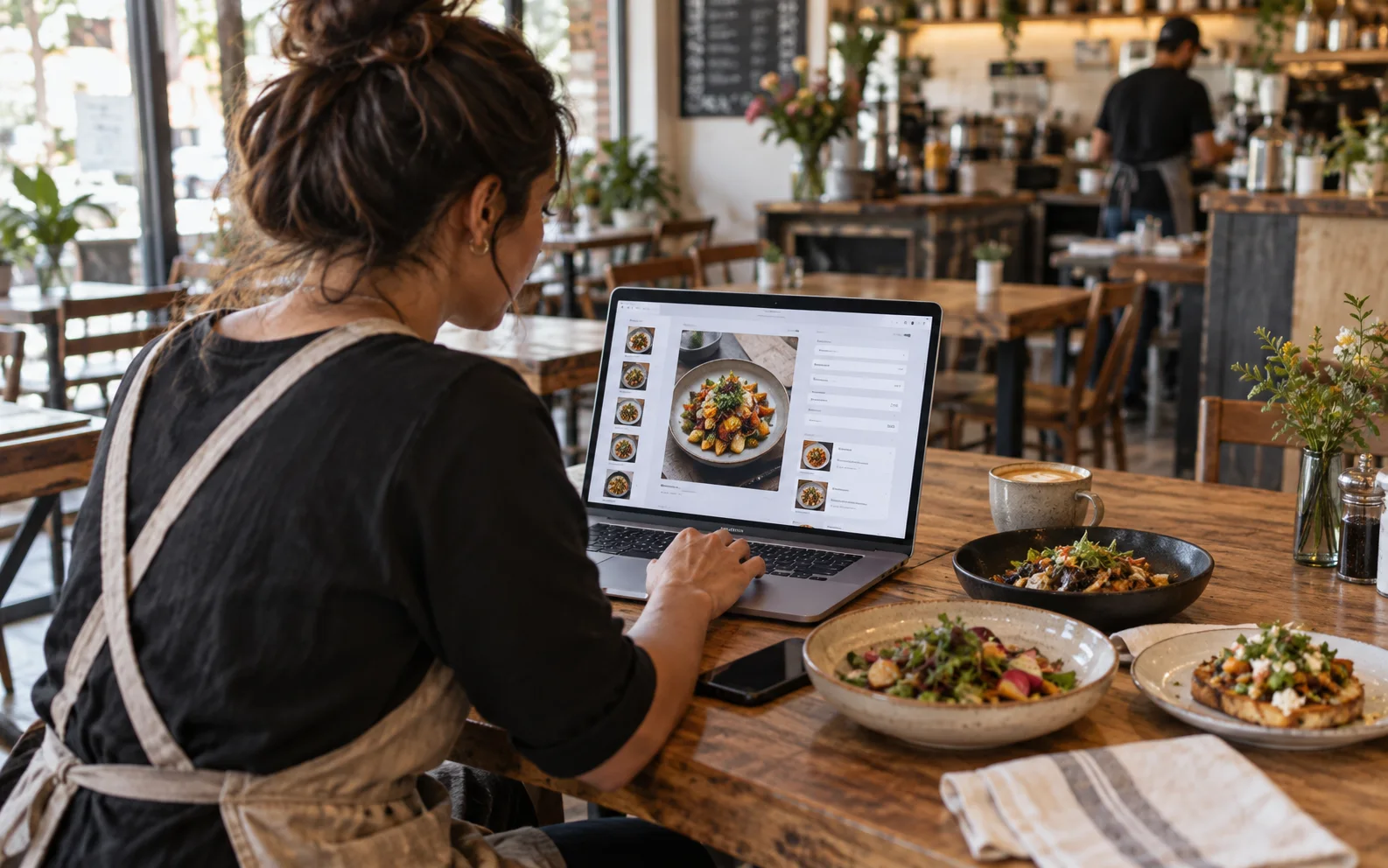
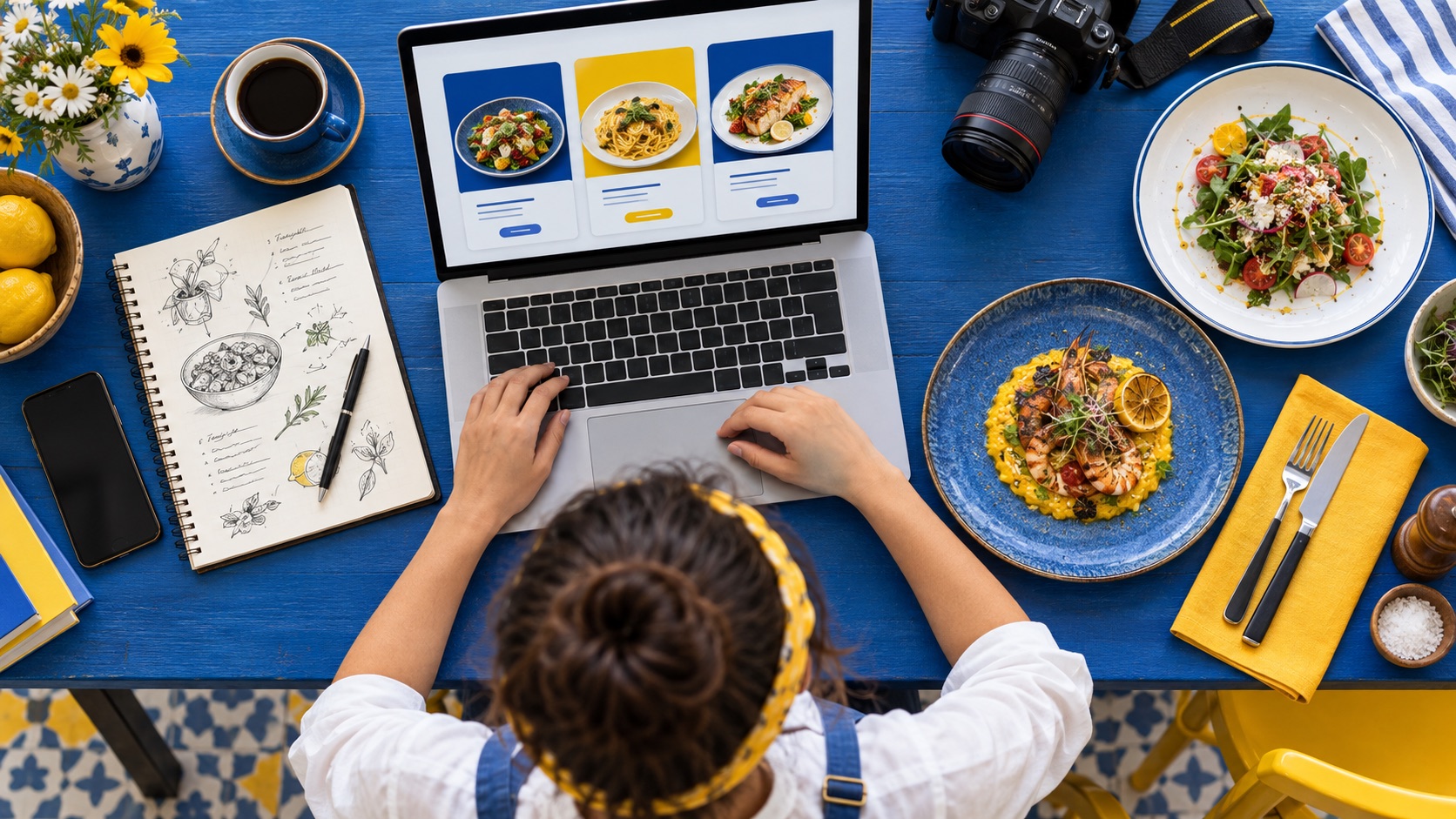
You don't need any technical skills. Create an account, add your restaurant, then add your dishes with prices and photos. Most owners have a working menu in about five minutes.
2. Menu Changes Without Reprinting
Change a price, add a special or remove a dish, and it's live right away. No new print run, no waiting.
- Sold out? Hide the dish in one tap so nobody orders it
- New dish? Add it in seconds
- Price change? Update it once, and every guest sees it
3. A QR Code on Every Table
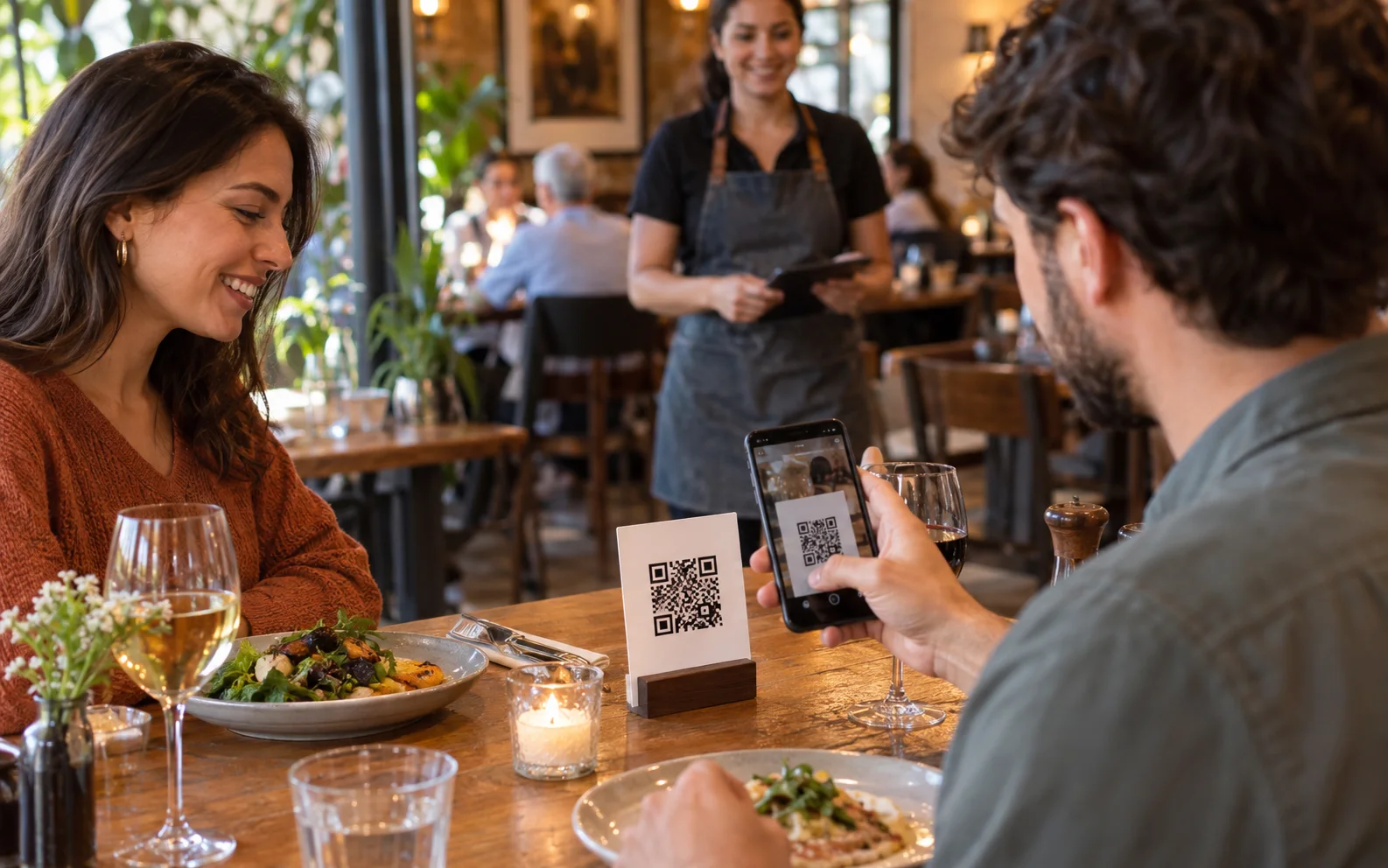
Every restaurant gets its own menu link and a QR code for each table. Guests scan it with their phone camera and the menu opens in their browser. There's no app to download, for you or for them.
4. Orders in Real Time
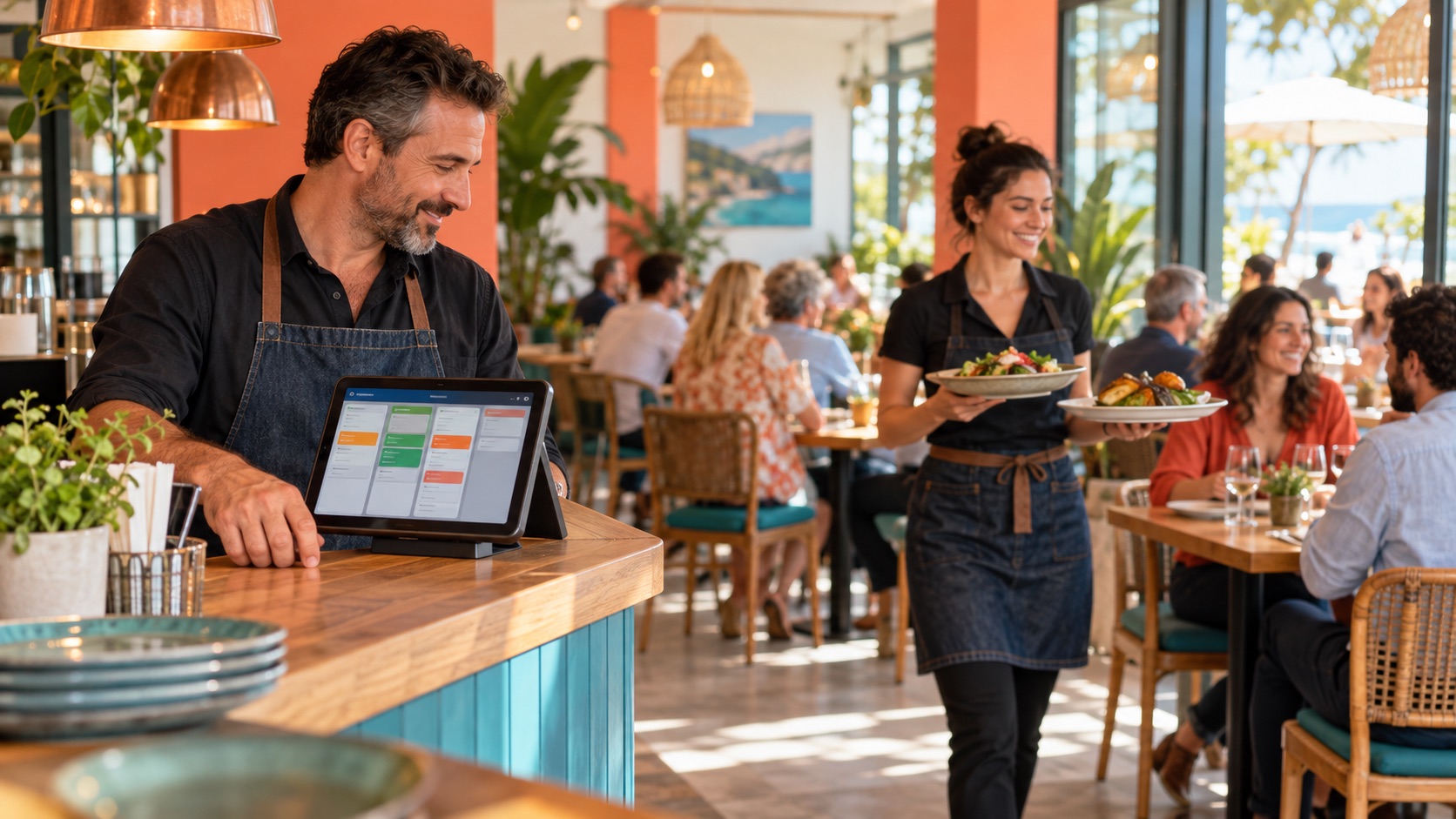
When a guest orders, it shows up in your dashboard right away, with the table number. Your team moves each order from accepted to preparing, ready and completed, so everyone knows where things stand.
Prefer a menu only? You can turn ordering off and keep the menu read-only.
5. No Payment Fees
Guests pay you directly, the way they already do: cash, card terminal or at the counter. MenuMate doesn't handle payments and takes no cut of your orders.
6. A Menu Guests Enjoy Using
- Photos and descriptions that help guests choose
- Allergens and dietary tags so guests can order with confidence
- Search and filters to find a dish fast
- Featured dishes to put your best plates first
- English and French menu buttons and cart (dishes show as you write them)
7. Your Team Gets Its Own Access
Invite your servers and cashiers with their own email. They sign in and follow orders on the live board, without sharing your owner login.
8. Several Restaurants, One Account
Run more than one restaurant or café? Each one gets its own menu, QR codes, orders and staff, all under one account.
9. A Printable Menu Too
Download a PDF of your menu whenever you need a printed copy for the counter or the window.
10. A Menu Search Engines Can Read
Your MenuMate menu is a real web page with real text, not a photo or a PDF. Search engines can read your dish names and descriptions, and you can add the link to your Google Business Profile.
Frequently Asked Questions
Q: How long does it take to set up MenuMate? A: About five minutes for a first menu. You can keep adding dishes and photos over time.
Q: Do guests need to download an app? A: No. Guests scan your QR code with their phone camera and the menu opens in their browser.
Q: How do urgent menu changes work? A: Changes are instant. Update prices, mark dishes as sold out or add specials from any device.
Q: How do guests pay? A: They pay you directly, as usual. MenuMate takes the order and shows it in your dashboard, but does not handle payments, so there are no payment fees.
Q: Is MenuMate a good fit for my place? A: MenuMate works well for restaurants, cafés, coffee shops, bars, snacks and food trucks, whether you run one place or several.
Get Started
MenuMate is free to use, and no card is needed. There are no payment fees either.
Ready to put your menu online? Create your free MenuMate account or see a live demo menu.
About the Author: Ala Baganne (@alabaganne) is the founder of MenuMate.