A free QR code ordering system for restaurants
With MenuMate (menumate.net), each table gets its own QR code. Guests scan it, choose from your menu and send their order from their phone, with no app. The order lands on your live board with the table number, and your team moves it from accepted to ready. MenuMate is free and takes no commission, because guests pay you directly.
Sample menus:Tunisia · DTUnited States · USD
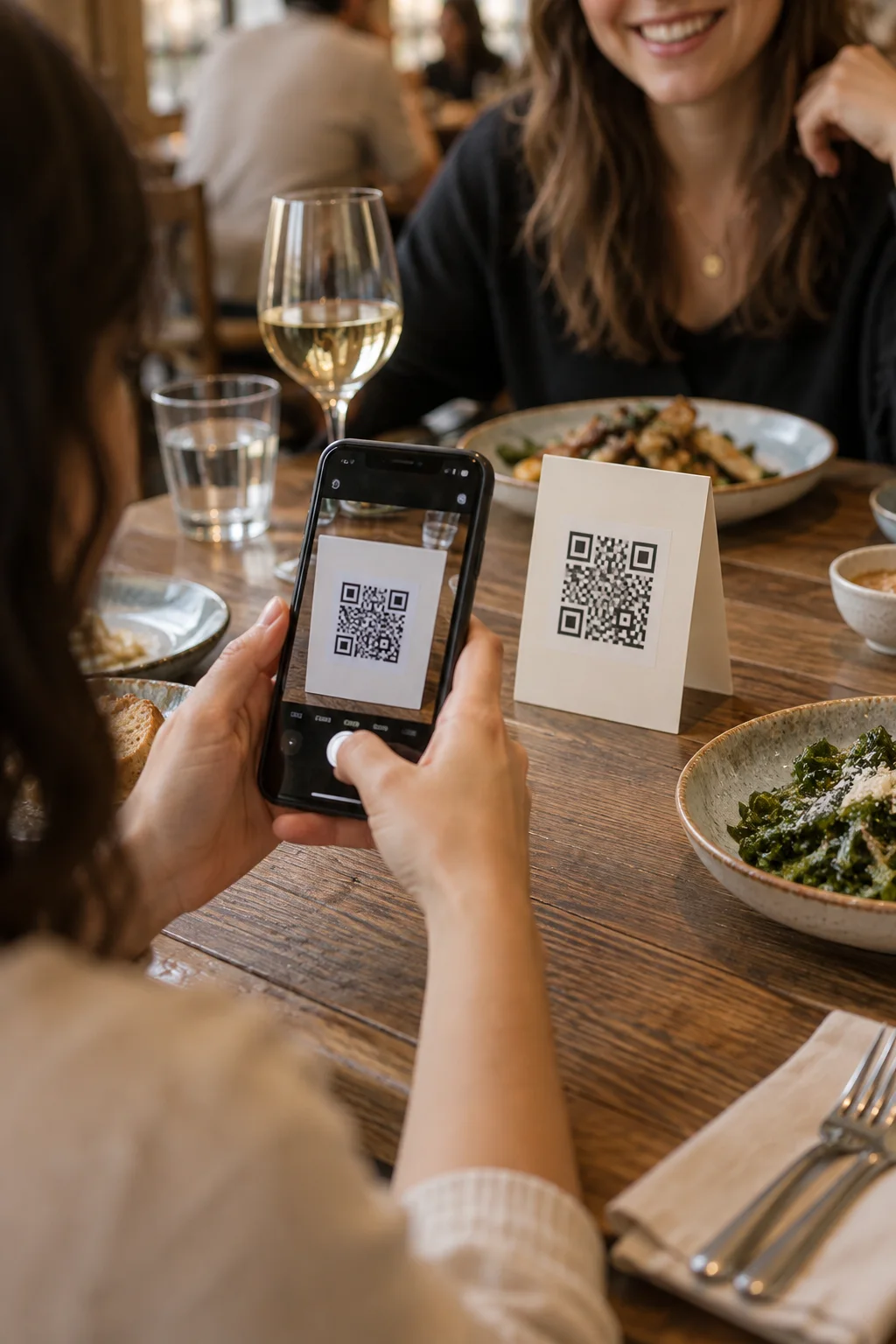
Table ordering without the fees
Every order has its table
The QR code tells you where the order came from: Table 7, Terrace 2 or Room 104.
A live order board
New orders appear at once on any phone, tablet or computer, with a sound alert.
Clear statuses
Move each order from accepted to preparing, ready and completed, so the whole team knows where it stands.
Sold out in one tap
Mark a dish sold out and guests can no longer order it.
No app for anyone
Guests order in the phone browser. Staff follow orders in the browser too.
No commission
MenuMate does not handle payments. Guests pay you directly, so there are no fees on orders.
Unlimited tables and orders
Add as many tables and take as many orders as you need.
Staff logins
Servers and cashiers follow orders with their own login.
Turn it off any time
Switch ordering off and the same QR codes open a read-only menu.
How QR code ordering works
- 1
Print
Create a QR code for each table and print it.
- 2
Scan
The guest scans the code and the menu opens in the browser.
- 3
Order
They add dishes and send the order with the table number attached.
- 4
Serve
Your team sees it live, prepares it and marks it ready. The guest pays you as usual.
For places that serve at tables
Restaurants, cafés, bars and hotels in any country, from one venue to several.
- Restaurants
- Cafés
- Bars and pubs
- Hotels and room service
- Beach and pool bars
- Food courts with seating
What this ordering system does not do
If you need any of these, a paid POS with QR ordering is a better fit.
- No pay-at-table: guests pay you directly, by cash, card terminal or at the counter.
- No kitchen printer or kitchen display hardware, and no POS link.
- No delivery or takeaway ordering.
QR ordering systems compared
POS systems include QR ordering in paid plans and add card fees on each order. See how MenuMate compares with the main options.
Compare QR ordering systemsQR code ordering questions
The short answers. Write to us if yours is not here.
Speak with usHow does QR code ordering work?
Each table has its own QR code. A guest scans it, browses your menu in the phone browser and sends the order. It reaches your staff live, with the table number from the code.
How do staff know which table ordered?
Every QR code belongs to one table, so each order shows its table number (or any label you gave the code, such as Terrace 2 or Room 104).
Is there a commission on orders?
No. MenuMate does not handle payments, so it takes nothing from your orders. Guests pay you directly.
Can guests pay from their phone?
No. MenuMate takes the order only. Guests pay the way they already do: cash, your card terminal or at the counter.
Do I need special hardware?
No. Any phone, tablet or computer with a browser shows the live order board.
Is it free?
Yes, MenuMate is free to use today, with no limit on tables or orders and no card needed to sign up.
