Turn a photo of your paper menu into a digital menu
No time to type your whole menu? With MenuMate (menumate.net), upload up to 10 photos of your printed menu and an AI model reads the categories, dishes, descriptions and prices for you. You check the list, fix anything it misread, and add it all at once. Then pick a design and print a QR code for each table.
Sample menus:Tunisia · DTUnited States · USD
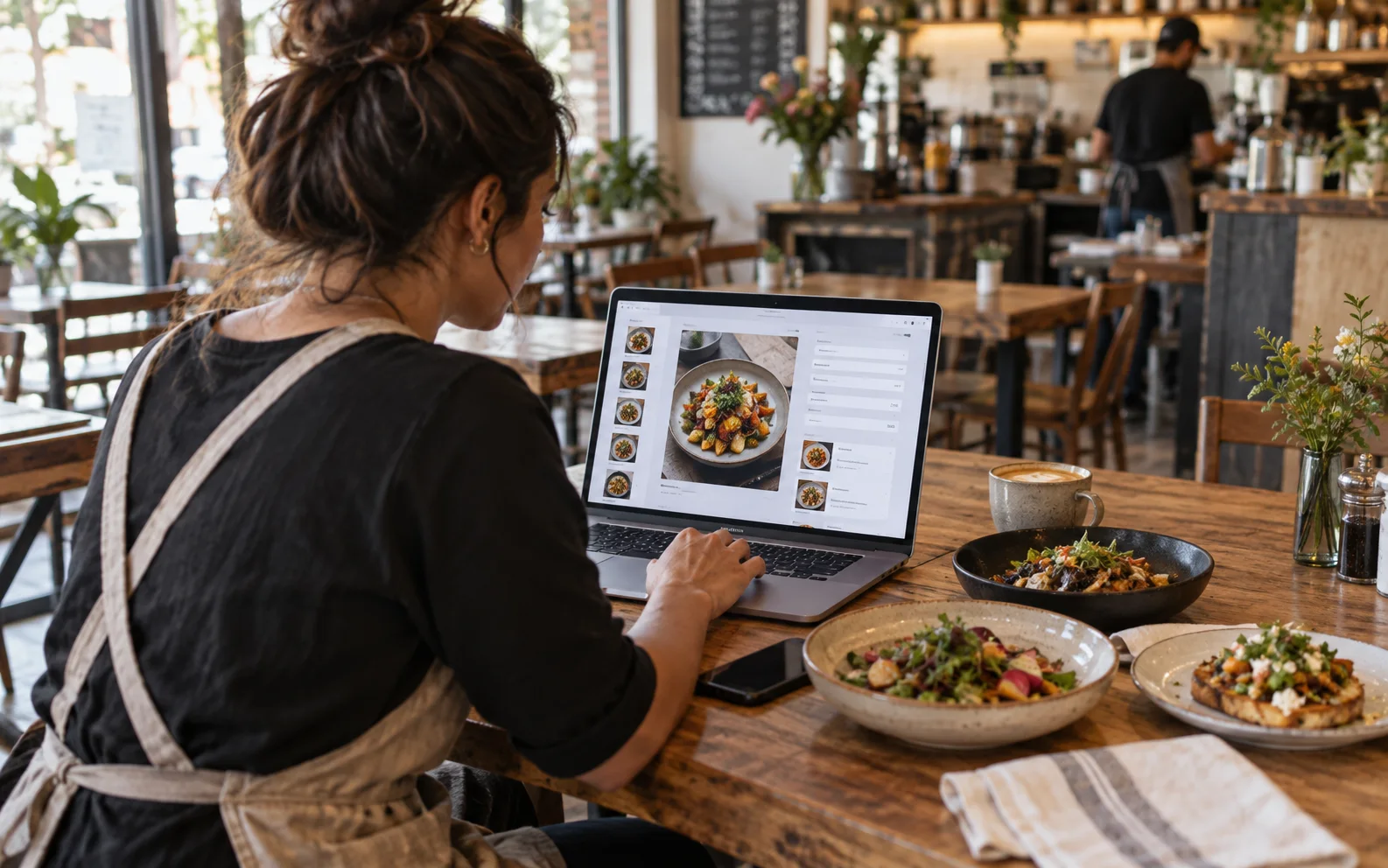
From paper to QR code in minutes
Up to 10 photos at once
Photograph each page of your menu, or a menu board, and upload them together.
Dishes, prices and categories
The model copies names, descriptions, prices and the headings they sit under, as written.
Sizes become dishes
A pizza in two sizes becomes two dishes, such as "Margherita (Large)", each with its price.
Nothing is translated
Your dishes stay in the language you wrote them in. Nothing is reworded or invented.
You check before saving
The dishes land in a list you can edit. Nothing goes live until you add them.
Photos are not kept
Photos are sent to an AI service to be read, then dropped.
Add photos later
Add a photo and a short description to each dish in the menu editor whenever you like.
Prices in your currency
Prices are read in your venue currency with the right number of decimals.
In the setup and the editor
Use it when you create your venue, or later to add a new page of dishes.
How it works
- 1
Photograph
Take clear, straight photos of your menu, one page per photo.
- 2
Upload
Add up to 10 photos in the menu step or the menu editor.
- 3
Check
Read the list, fix names or prices, and remove anything you do not sell.
- 4
Publish
Add the dishes, pick a design and print your QR codes.
For anyone with a printed menu
Restaurants, cafés, bars and hotels that already have a menu on paper, a board or a PDF and want it online fast.
- Restaurants
- Cafés
- Bars
- Hotels
- Food trucks
- Anyone short on time
Limits of reading a photo
The model is good, not perfect. A quick check is part of the job.
- Photos can be misread, so always check names and prices before you add them.
- Blurry, dark or handwritten menus read less well.
- Up to 30 photos a day per venue.
- Dish photos are not taken from the picture; add your own in the menu editor.
A free digital menu maker
Most menu makers make you type every dish. See how MenuMate compares with other free tools.
Compare free digital menu makersCan I turn a photo of my paper menu into a digital menu?
Yes. Upload up to 10 photos of your menu in MenuMate; it reads the dishes, descriptions, prices and categories into a list you check and add in one go.
Does it translate my menu?
No. Dishes are copied exactly as written, in their own language.
What happens to my photos?
They are sent to an AI service to be read and are not kept.
What if it gets a price wrong?
You see every dish before saving and can fix any name or price, or remove a line.
Is it free?
Yes. Reading menus from photos is part of MenuMate, which is free to use today, with up to 30 photos a day per venue.
