Best Free Digital Menu Makers (2026): 6 Options Compared
- Written by
- Ala Baganne
- Published on
- Nov 24, 2026
- Read time
- 6 min
- Category
- Comparisons
MenuMate, MENU TIGER, Menubly, Jotform, Canva and a do-it-yourself Google Docs menu compared on what the free plan really includes, ordering and limits.
Short answer: if you want a free digital menu that guests can also order from, start with MenuMate (no limit on tables or orders, but no online payments) or MENU TIGER's free plan (75 orders a month and one store). If you only need a menu to read, a Google Doc or PDF behind a QR code costs nothing but is hard to keep tidy on a phone. Menubly's free plan suits pickup and delivery more than table service, Jotform's free plan caps you at 100 submissions a month, and Canva is for designing printed menus.
This comparison is published by MenuMate. Every fact about another tool comes from its own website, checked on 24 November 2026. Prices and plans change, so check the linked pages before you decide.
The short list
| Tool | Free plan | What the free plan includes | Ordering from the table | Online payment |
|---|---|---|---|---|
| MenuMate | Yes | Menu, photos, 5 designs, one QR code per table, orders, bookings, staff logins | Yes, no limit on tables or orders | No, guests pay you directly |
| MENU TIGER | Yes, 75 orders a month, 1 store | QR ordering, online ordering site, AI menu builder, basic reports | Yes | Not on the free plan |
| Menubly | Yes | Mini website, online menu, QR code menu, pickup and delivery ordering | Not clearly stated | Yes (card, wallets, cash on delivery) |
| Jotform | Yes, 5 forms and 100 submissions a month | QR menu and table ordering app templates | Yes, through a template | 10 payment submissions a month |
| Canva | Yes (design tool) | Printable menu templates, many marked Pro | No | No |
| Google Docs or a PDF | Yes | A document you share by link | No | No |
What "free" should mean for a menu
Before you compare, decide what you need the menu to do:
- Only show the menu. Any of these will do. The question is how good it looks on a phone and how fast you can change a price.
- Take orders from the table. You need one QR code per table, so each order arrives with its table number, and a screen where staff see orders live.
- Take payments online. Then you need a tool that handles cards, and you will pay card fees and usually a monthly plan.
MenuMate
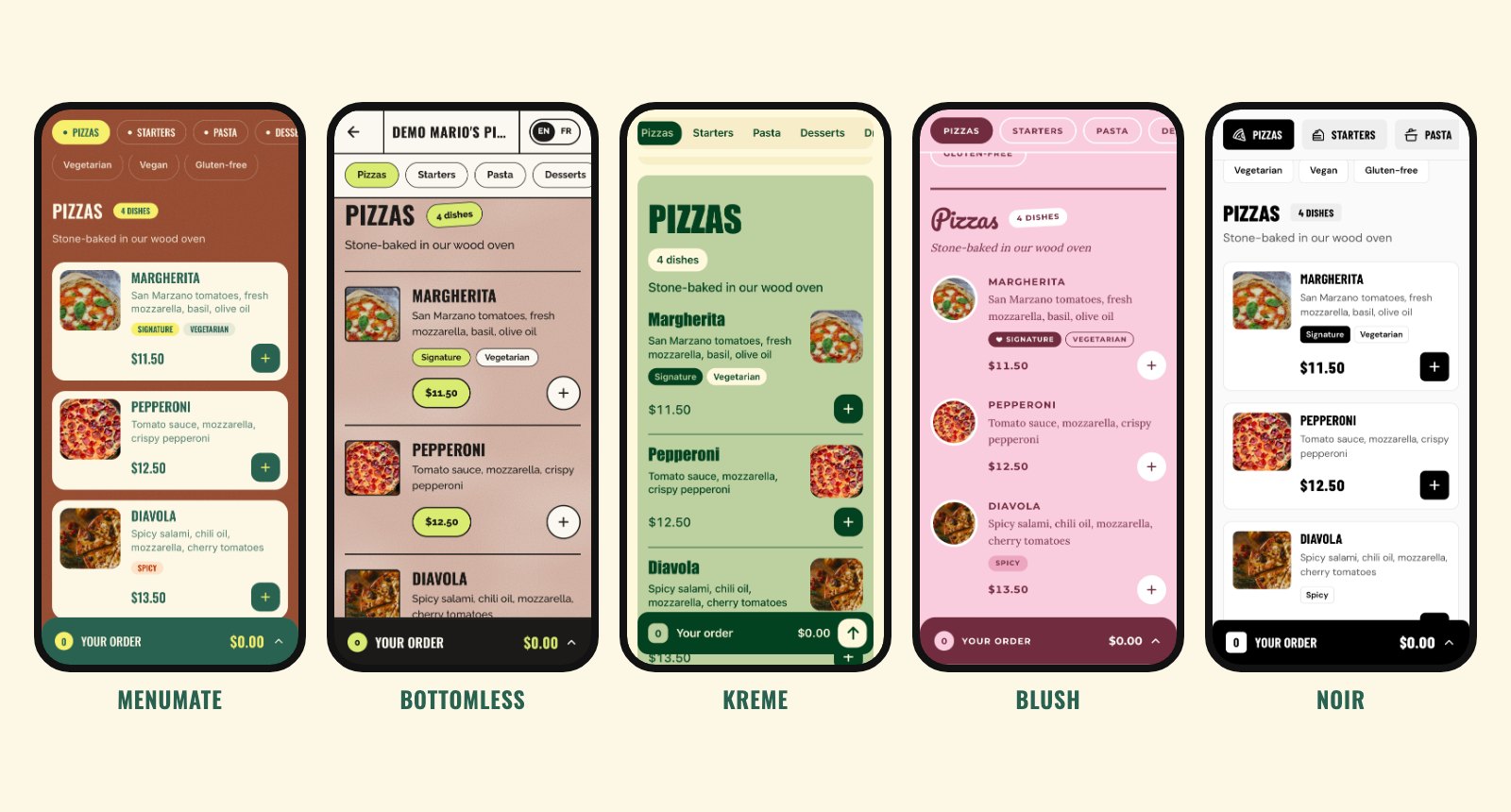
MenuMate is a web app for restaurants, cafés, bars and hotels. You build your menu (or fill it from a photo of your paper menu), pick one of five designs, and print a QR code for each table or room.
- Free plan: MenuMate is free to use today, during our pilot. No card to sign up and no commission on orders.
- Good at: ordering from the table with no limit on tables or orders; each order shows its table; table booking requests; staff logins; several venues in one account; menu buttons in 9 languages.
- Limits: no online payments (guests pay you directly), no delivery or pickup ordering, no POS link.
- Best for: restaurants, cafés, bars and hotels that want table ordering without a monthly bill.
MENU TIGER
MENU TIGER has a Freemium plan at $0.
- Free plan: 75 orders a month and 1 store, with QR ordering, an online ordering site, an AI menu builder and basic reports. No card needed.
- Paid plans: Regular $17 a month (500 orders, 2 stores), Advanced $46 (2,000 orders, 5 stores, kitchen display) and Premium $119 (unlimited orders and stores, POS, floor plan, split bills). It says there is no commission per order.
- Better than MenuMate at: POS, kitchen display and split bills on paid plans.
- Best for: places that want card payments later and can live with 75 orders a month for now.
Menubly
Menubly is built around a small restaurant website with a menu.
- Free plan: a mini website, an online menu, a QR code menu and online ordering for pickup and delivery. Exact limits are not stated on the page we read (its pricing page did not load for us).
- Paid plan: Pro at $9.99 a month, or $7.99 a month billed yearly. It adds a custom domain, custom design and turning a PDF menu into a digital one.
- Payments: "100+ payment methods", including cash on delivery, and no commission claimed.
- Best for: takeaway and delivery, and anyone who wants a simple website too.
Jotform
Jotform is a form builder with a QR code menu app template.
- Free plan: 5 active forms, 100 submissions a month and 10 payment submissions a month.
- Paid plans: from $39 a month (Bronze).
- Best for: people who already use Jotform and take few orders. 100 submissions a month runs out fast in a busy café.
Canva
Canva is a design tool. Its menu templates are listed as free and printable, and many carry a Pro tag. We could not open Canva's pages on 24 November 2026, so we only describe what its own search listings show. As far as we could see, it makes menus to print or share as an image or PDF, with no ordering.
- Best for: a beautiful printed menu. You can put the PDF behind a QR code, but then every price change means a new file.
Google Docs or a PDF behind a QR code
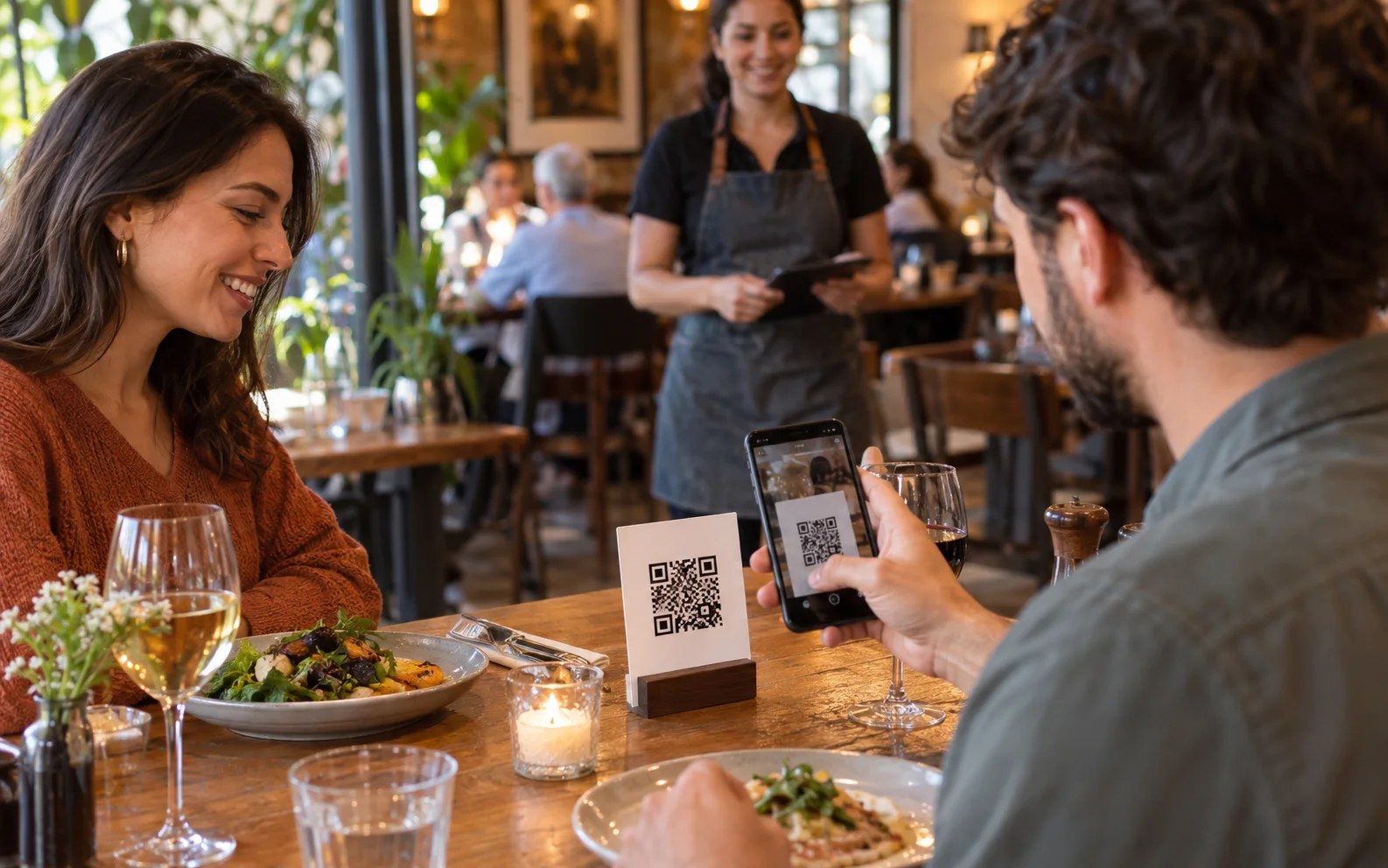
AI assistants often suggest this, and it works: write the menu in Google Docs, share it with "anyone with the link", and turn the link into a QR code with our free QR code generator.
- Good: free, and you already know the tools.
- Not so good: a document is hard to read on a small screen, has no photos per dish unless you lay them out by hand, and cannot take orders. Guests may also see a sign-in or download prompt.
We wrote a longer comparison: Google Docs menu vs a digital menu app.
Which one to pick
- You want orders from the table, for free, with no order cap: MenuMate.
- You want card payments and a growth path to a POS: MENU TIGER.
- You mostly sell for pickup and delivery: Menubly.
- You only need a printed menu that looks great: Canva.
- You want a menu online today and nothing else: a Google Doc behind a QR code, then move to a menu tool when you change prices often.
Questions
What is the best free digital menu maker? It depends on what you need. For a free menu with ordering from the table and no order limit, MenuMate. For a free plan with a path to card payments, MENU TIGER (75 orders a month).
Can I make a digital menu for free without a subscription? Yes. MenuMate is free to use today, and MENU TIGER, Menubly and Jotform have free plans with limits.
Do I need an app for guests? No. All the menu tools here open in the phone browser from a QR code.