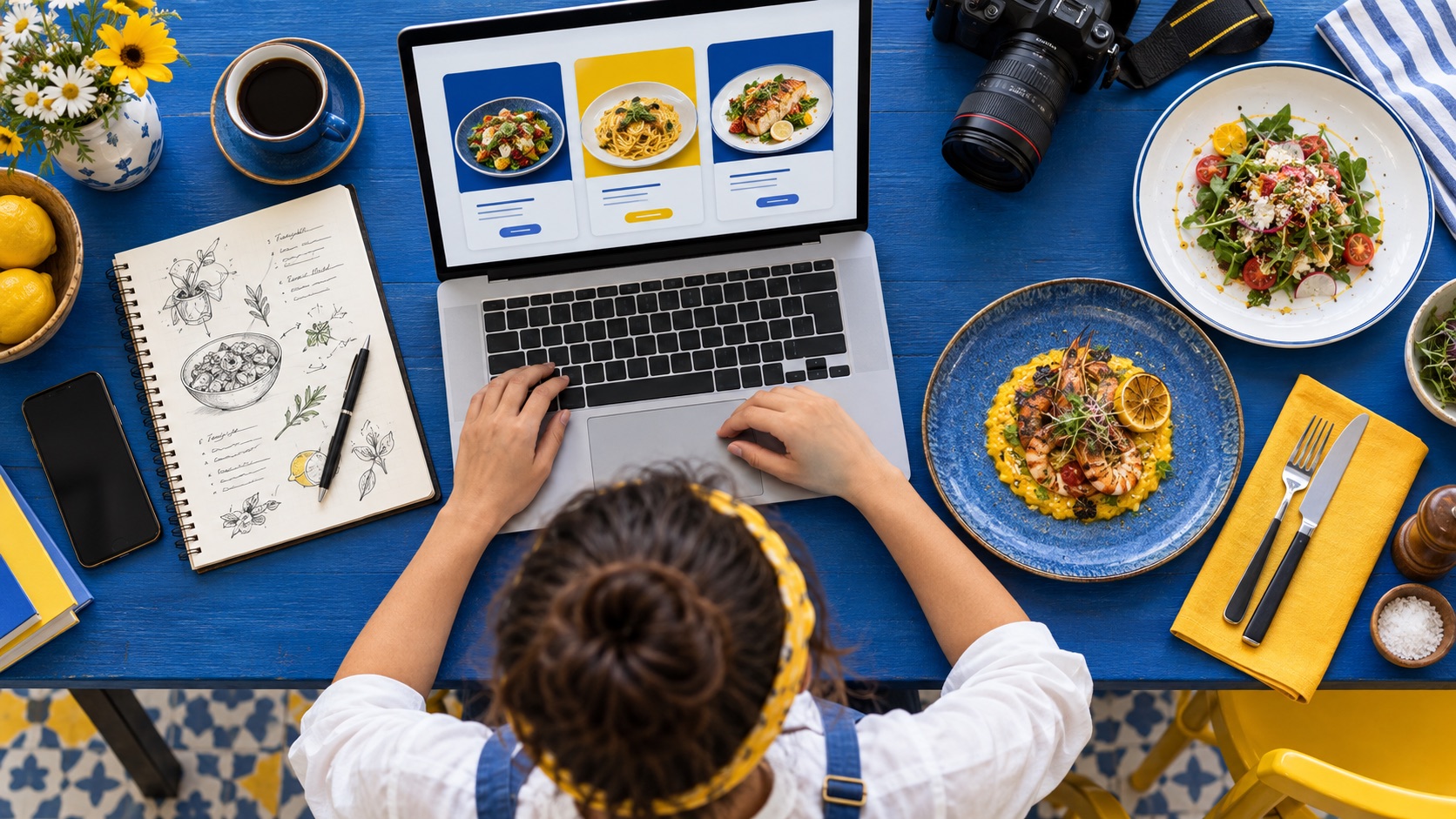
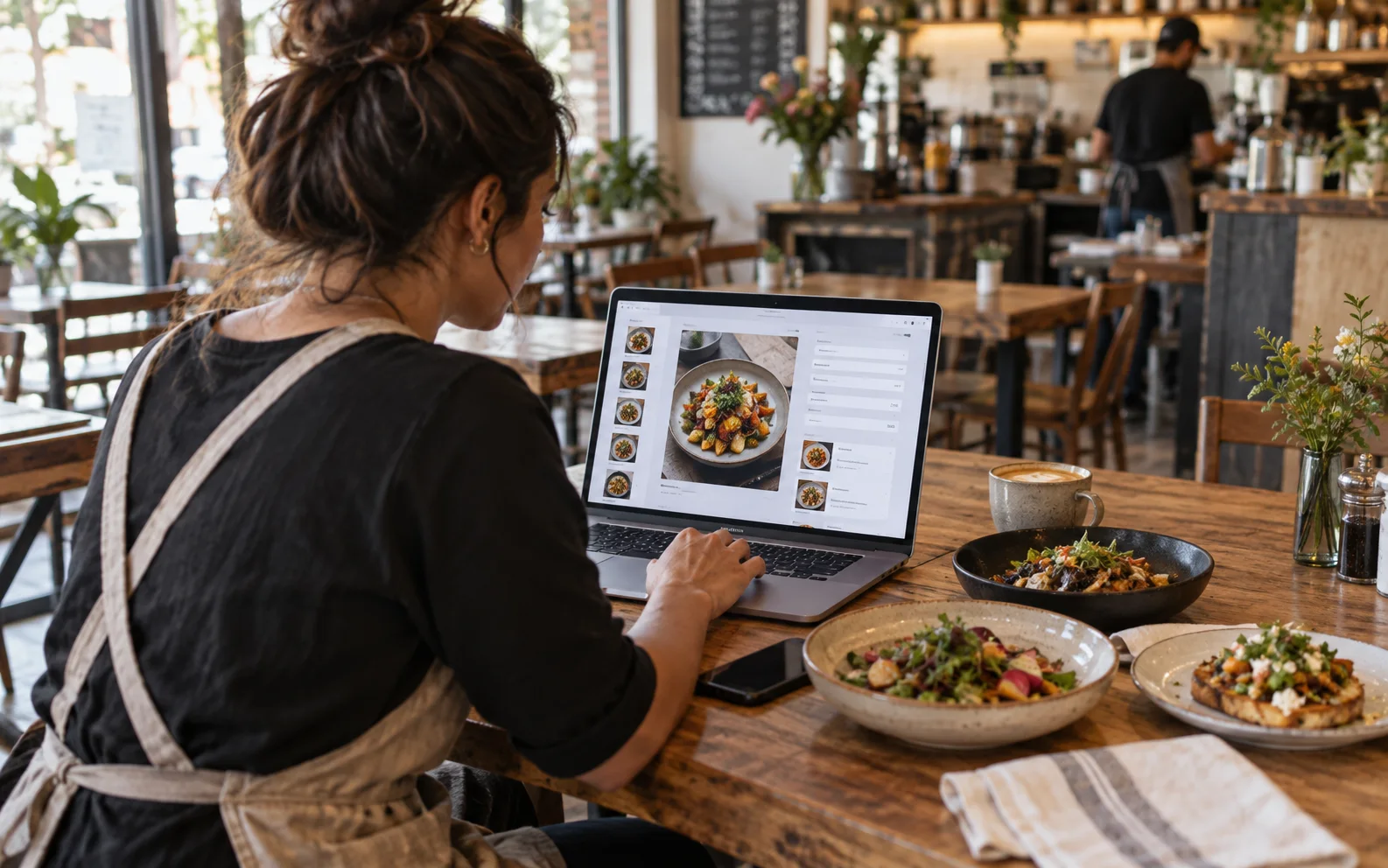
How to Write Menu Descriptions (With Examples), and Take Dish Photos With Your Phone
- Written by
- Ala Baganne
- Published on
- Nov 26, 2026
- Read time
- 8 min
- Category
- Guides
A simple way to write dish descriptions guests read, with before and after examples, plus how to take good dish photos with your phone. No photographer needed.
Short answer: a good dish description says what is on the plate, how it is cooked and one detail that makes it yours, in 8 to 20 words. A good dish photo needs daylight from a window, a clean plate, a plain table and the dish filling most of the picture. Your phone is enough for both. Add them to every dish and your menu helps guests choose instead of making them ask.
Why descriptions and photos matter on a digital menu
On a paper menu, a guest can ask the waiter what "Chef's special" is. On a phone, most guests don't ask. They scroll, and they pick what they understand.
A description and a photo answer the questions guests have before they order:
- What is in it?
- Is it big enough to share?
- Is it spicy? Is there meat in it?
- Does it look good?
On MenuMate, the description also helps guests find the dish: the menu search looks at dish names and descriptions, so someone who types "chicken" finds your "Bastilla" if the description says chicken.
How to write a menu description
Use this simple pattern:
Main ingredient + how it is cooked + one detail.
The detail can be the sauce, the side, where an ingredient comes from, or how many people it feeds. Then stop. One or two short lines is enough on a phone screen.
A few rules that help:
- Start with what is on the plate. "Grilled sea bream, lemon and olive oil" tells guests more than "A taste of the sea".
- Use words guests know. If a dish has a local name, keep the name and explain it in the description.
- Say how it is cooked. Grilled, fried, baked, slow-cooked, raw. These words help guests picture the dish.
- Say what guests need to know. Spicy, contains nuts, vegetarian, for two people.
- Cut empty words. "Delicious", "amazing" and "best in town" take space and tell guests nothing. Only say "homemade" or "fresh" when it is true.
- Don't repeat the name. If the dish is "Chicken burger", the description doesn't need to start with "Our chicken burger".
- Keep one style. Same length, same tone, from the first dish to the last.
Menu description examples
Here are before and after examples for dishes most cafés and restaurants serve:
| Dish | Before | After |
|---|---|---|
| Margherita pizza | Classic pizza | Tomato sauce, mozzarella and fresh basil, baked in a stone oven |
| Chicken burger | Our famous burger | Crispy fried chicken, cheddar, lettuce and garlic mayo in a brioche bun, with fries |
| Caesar salad | Fresh salad | Romaine, grilled chicken, parmesan, croutons and Caesar dressing |
| Couscous | Chef's special | Steamed semolina with lamb, chickpeas and seven vegetables. Serves one |
| Grilled sea bream | Fish of the day | Whole sea bream grilled over charcoal, with lemon, olive oil and a green salad |
| Brik | Tunisian starter | Thin crispy pastry with egg, tuna, capers and parsley |
| Fries | Side | Hand-cut potatoes fried twice, with ketchup or mayo |
| Tiramisu | Homemade dessert | Coffee-soaked biscuits, mascarpone cream and cocoa |
| Lemonade | Fresh drink | Fresh lemons, mint and a little sugar, served cold |
| Cappuccino | Coffee | Double espresso with steamed milk and foam |
Notice what changed: every "after" names the real ingredients, and none of them uses a word like "delicious".
What about drinks?
Drinks need less. A few words on size, what goes in it, and hot or iced are enough: "Orange juice, pressed to order, 25 cl" or "Iced latte with oat milk on request". For a long list of soft drinks or beers, you can skip descriptions and let the names speak.
How to take dish photos with your phone
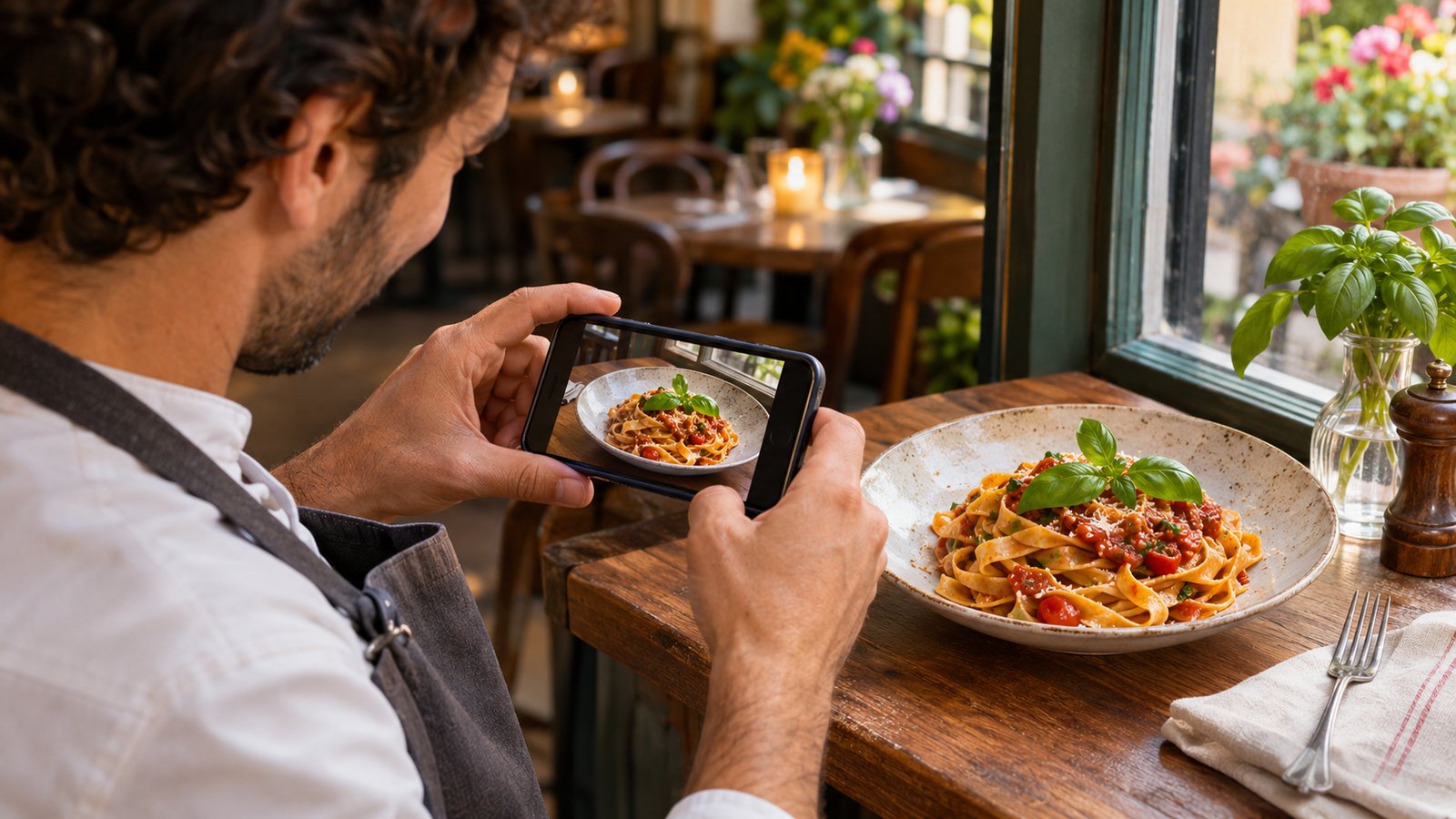
You don't need a photographer or a new camera. Most phones from the last few years take photos that look great on a menu, if you get a few things right.
1. Use daylight
Light is the most important part. Put the plate on a table near a window, in the daytime, out of direct hard sun. Turn the flash off: it makes food look flat and shiny. Avoid yellow ceiling lights, which make everything look orange.
If one side of the dish is dark, hold a white napkin or a sheet of paper on that side to bounce light back.
2. Pick the right angle
- From above for flat dishes: pizza, salads, bowls, platters.
- From the side, at about the height of a seated guest for tall dishes: burgers, sandwiches, layered desserts, drinks in a glass.
Take a few photos from each angle, then keep the best one.
3. Keep the background simple
A plain wooden table, a marble counter or a clean tablecloth works best. Move bottles, phones, bills and extra cutlery out of the picture. The dish is the star.
4. Fill the picture, but leave a little room
Get close so the dish fills most of the photo, and move your phone closer instead of using zoom. Leave a little space around the plate, because menus crop photos to fit their layout.
5. Plate it like you serve it
Wipe the rim of the plate, add the garnish you really use and serve the real portion. Guests will compare the photo with what arrives at the table, so make it honest.
6. Check the photo before you move on
- Wipe the phone lens. A greasy lens from a busy kitchen blurs everything.
- Tap the dish on the screen so the phone focuses on it.
- Zoom in on the photo to check it is sharp.
- If you edit, only brighten a little. Filters that change colours make food look less real.
7. Shoot the whole menu in one go
Take all your photos on the same day, at the same table, with the same light. Your menu will look like a set, not a mix of photos from different years.
How to add descriptions and photos in MenuMate
- Open your menu in the MenuMate dashboard and tap a dish.
- Write the description in the Description field.
- Tap Add a photo and pick the photo from your phone. JPG and PNG files up to 5 MB work.
- Add tags such as vegetarian, vegan, gluten-free or spicy. Guests can filter the menu by diet, so these tags help them find what they can eat.
- Turn on Signature for the dishes you are proud of.
- Press Done. The change shows on your live menu right away.
The menu editor also tells you how many dishes still have no photo or no description, so you know what is left.
Until you add a photo, MenuMate shows a drink or food icon in your theme's colours where the photo goes, so your menu doesn't look empty. A real photo is still better: guests want to see what they are ordering.
Not sure where to start? Email us at help@menumate.net and we will help you set up your menu.
Common questions
How long should a menu description be?
8 to 20 words, or one to two short lines on a phone. Long enough to say what is in the dish and how it is cooked, short enough that guests read it all.
Do I need a professional photographer for menu photos?
No. A recent phone, daylight from a window and a clean table are enough for most cafés and restaurants. If you later want a professional shoot for your signature dishes, you can add those photos then.
Should every dish have a photo?
Try to give one to every dish people order often, and to your signature dishes first. For simple items like soft drinks or extra sauces, a clear name is often enough.
What if I have no photos yet?
Write descriptions first, since they take only a few minutes. Then take photos over a few days, one category at a time. Your menu looks fine in the meantime, because MenuMate shows a matching icon where a photo is missing.
Can I change a description or photo later?
Yes. Open the dish, change it and press Done. Guests see the new version the next time they open the menu, with no new QR code to print.
Want to see a menu with photos and descriptions? Open the demo menu on your phone, read how to create a digital menu step by step, or look at the menu designs you can pick from. MenuMate is free today during our pilot: create your menu.