- I
Fill in your details
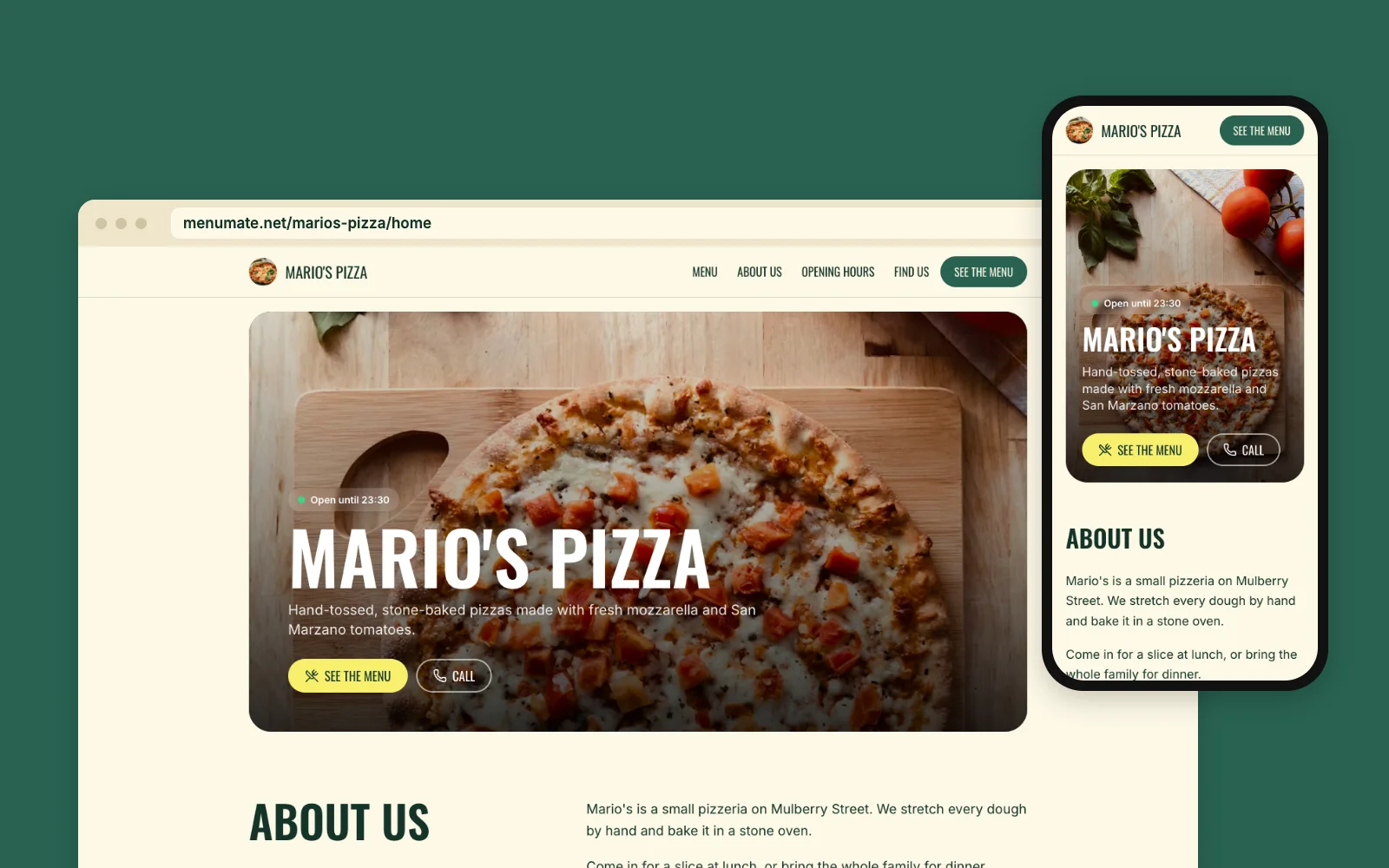
In Settings, add a cover photo, a logo, a short description, your address, phone, opening hours, and Instagram or Facebook. Each one shows on the website.
- II
Pick your best dishes
In the menu editor, mark a few dishes as Signature or give them photos. The website shows up to six of them.
- III
Open Website
In your venue dashboard, open Website. The checklist shows what is already filled in and what is missing.
- IV
Write About us
Write a few lines about your place: its story, your food, your team. Leave a blank line between paragraphs, then save.
- V
Turn it on
Switch Website on. The link starts working at once; while it is off, it opens your menu instead.
- VI
Share the link
Put the link in the Website field of your Google Business Profile and in your Instagram bio.
Quick tips
- The website uses the colours of your menu theme, so change the theme to change its look.
- The map loads only when a guest taps Show the map.
- There is no custom domain yet: the address is menumate.net/your-venue/home.
Ready to continue?
Create your restaurant in MenuMate and return to this guide while setting up your menu.
Get started